You have started with Seleqt, great to hear! 😁 Now you just need to start with the setup of your account, no worries, we will help you get started along the way!
You can create a new account by going to this link.
Simply input your name, email address and password and click on “create account”.
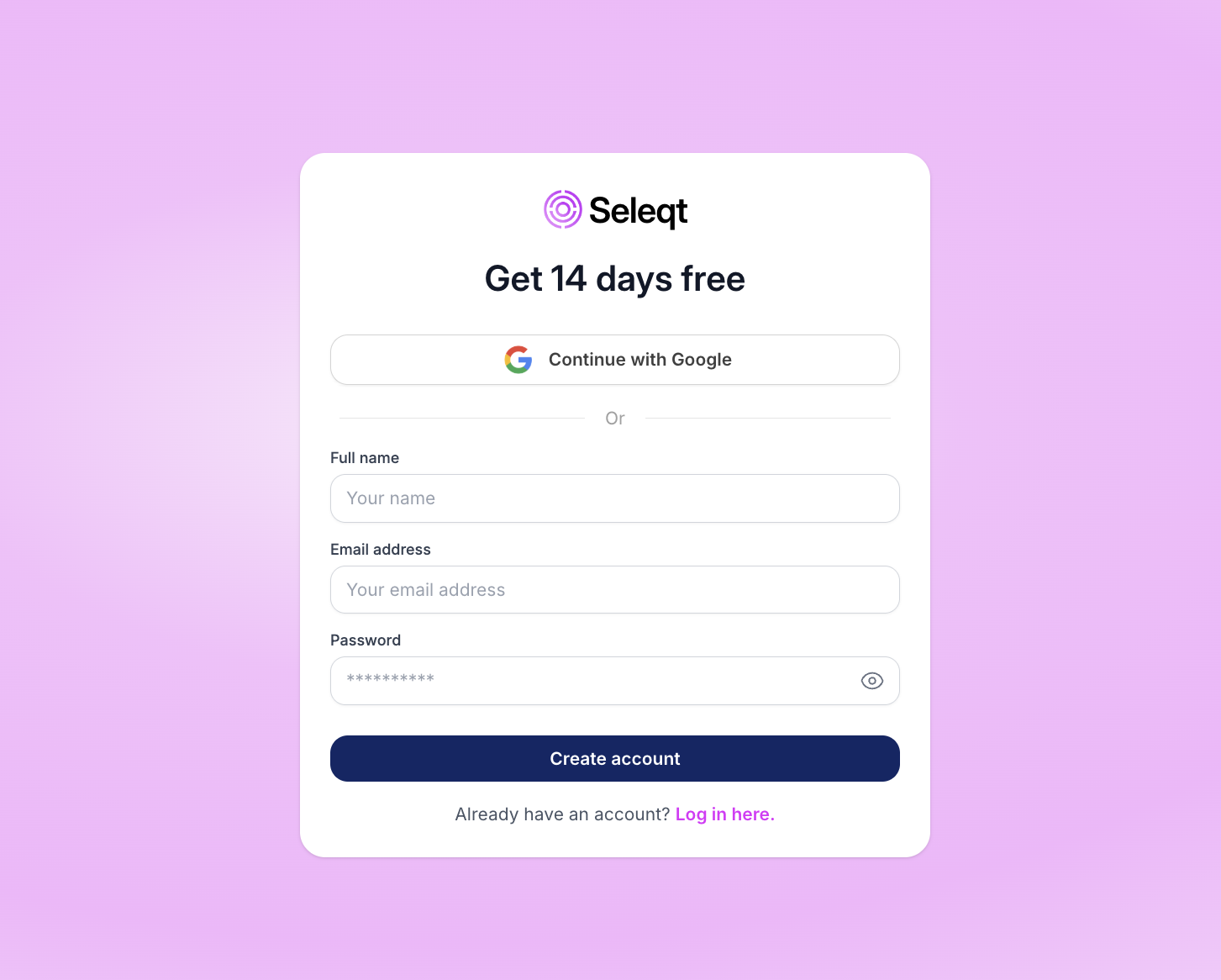
You will be redirected to a new page where you’ll have to fill in the verification code that was sent to the email address that you have entered. Fill in the verification code and congratulations you can now get started with Seleqt 🎉.
You will see the dashboard given in the image below and we will walk through its functionality together.
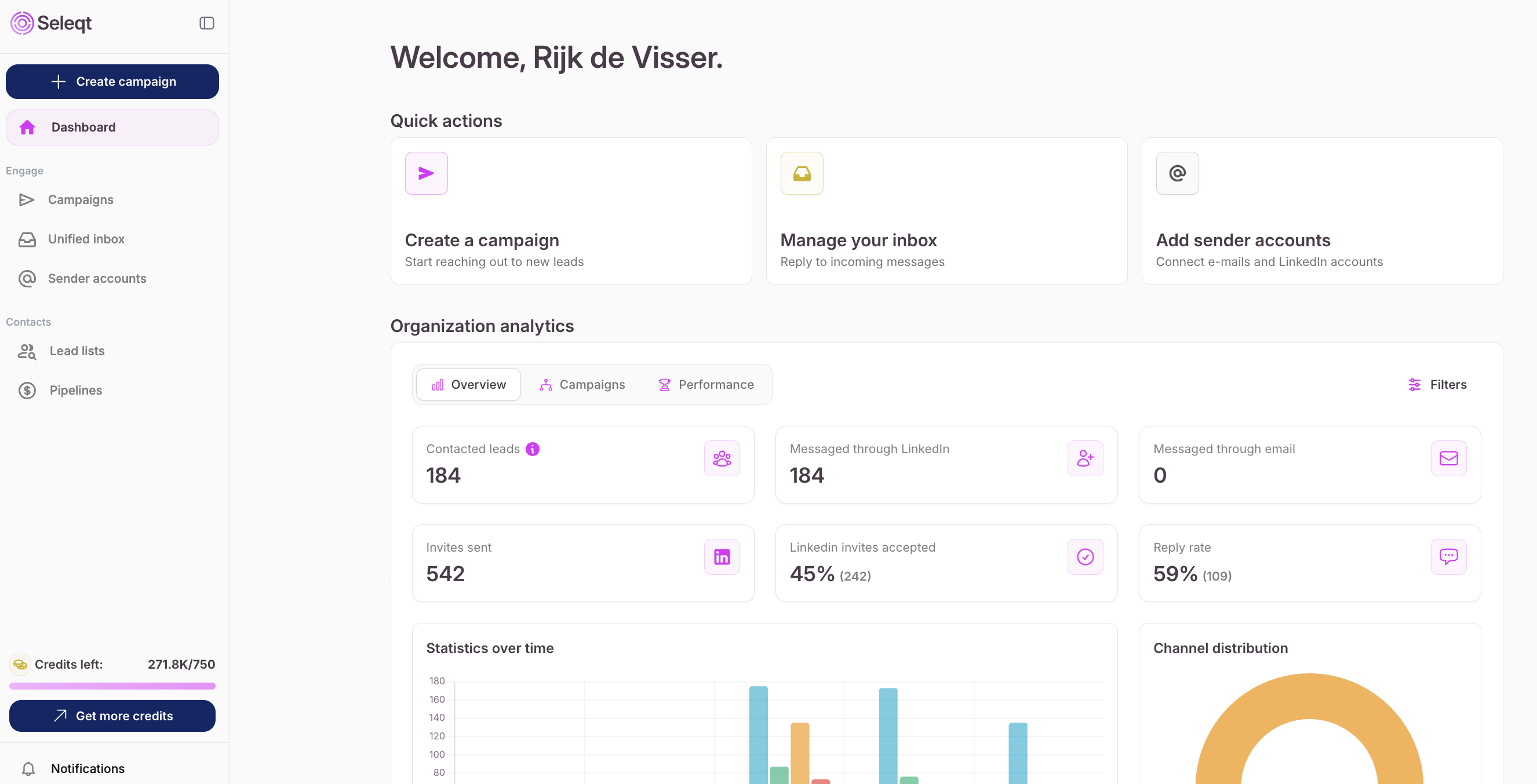
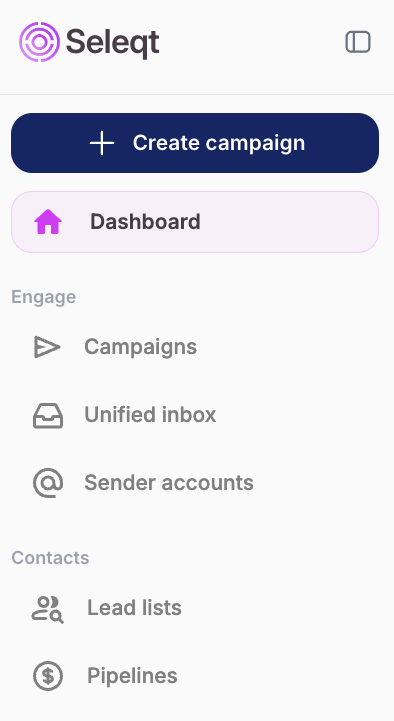
You will start in the dashboard and on the left can see all different functionalities within the application:
In the dashboard you can see al your recent activity.
Quick actions: Here you have quick actions buttons to navigate through the platform.
Organization Analytics: This gives you an overview of the campaign and sender account performance
The “Create campaign” button automatically redirects you to your campaign where you can find leads and reach out to.
In the ‘Campaigns’ section you can search for potential leads using our own lead database or you can import leads via the following imports:
Import from CSV
Import from LinkedIn Post
Import from LinkedIn Group
Import from LinkedIn Search
Import from Sales Navigator Search
Import from LinkedIn Recruiter
Just copy paste the LinkedIn URL and paste it in Seleqt. The leads will be imported in your campaign.
When you have found the leads, you are able to decide how you want to contact your leads. Via email, LinkedIn or phone number?
In the campaign analytics you can follow the progress of your leads via the analytics graph and campaign pipeline.
All the messages from all sender accounts can be found in an unified inbox so you can easily manage all your accounts and campaigns from one place. To easily keep track of all the messages you can use multiple filters like the sender, status, and campaigns. And you can set reminders, create notes and labels.
In sender accounts you can connect either email or LinkedIn accounts which you can use to send messages to your leads in your campaign.
You can also adjust the sending limits based on your preferences.
The contact credits indicate how much credits you still have. We only charge credits for contact information that we have found, so if an email is not found we do not charge anything. In the starter plan you receive 750 credits.
1 email = 3 credit
1 phone number = 30 credits
1-2 credits per lead for Lead Qualification.
You can buy additional credits
€5 = 250 credits
You can click on your account profile to navigate to your setting and campaign activity. In settings you can navigate to your billing, team members, knowledge base, integrations, signatures and exclude domain list.
