Overview
Seleqt allows you to connect your email account as a sender to use in your outreach campaigns. This guide walks you through the full connection process in just a few steps.
Step-by-Step Instructions
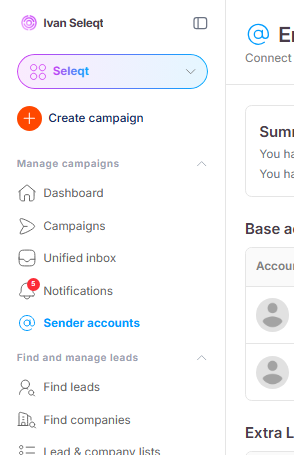
1. Go to Sender Accounts
In the left sidebar, click on Sender Accounts:
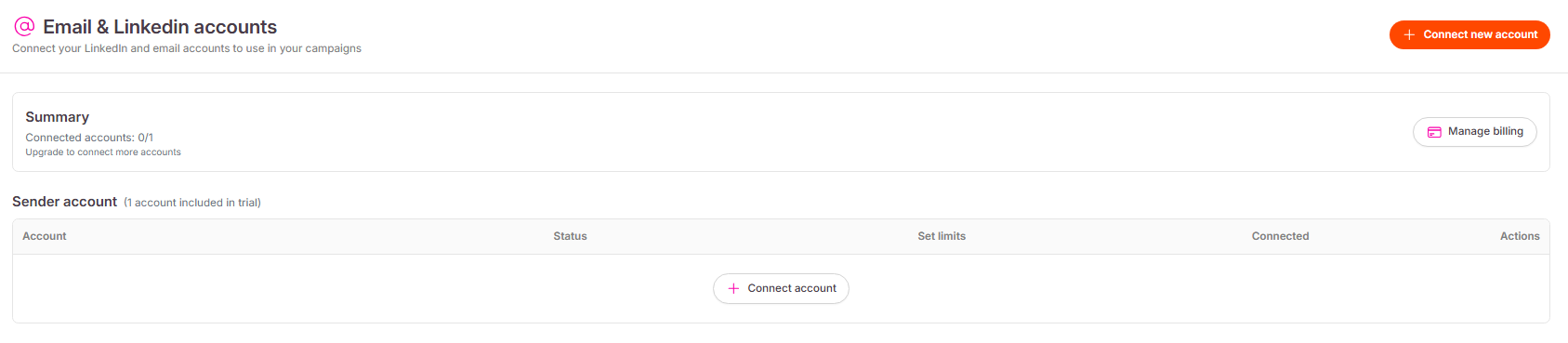
2. Click "Connect Account"
On the Sender Accounts page, click the Connect account button in the middle of the page, or use the Connect new account button in the top-right corner:
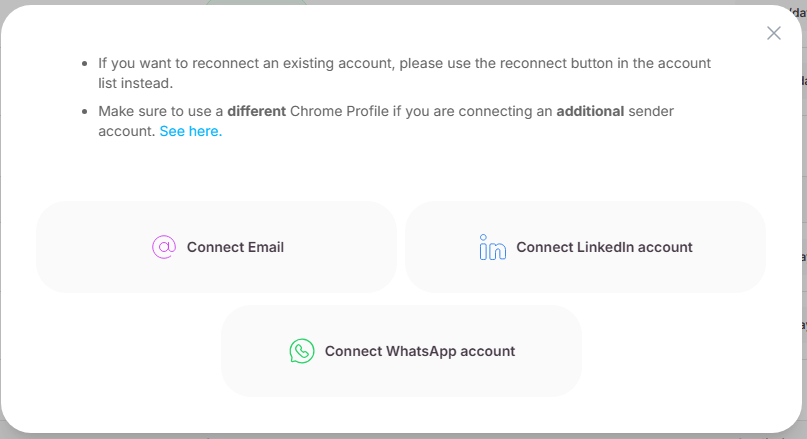
3. Choose "Connect Email"
A popup will appear. Click Connect Email :
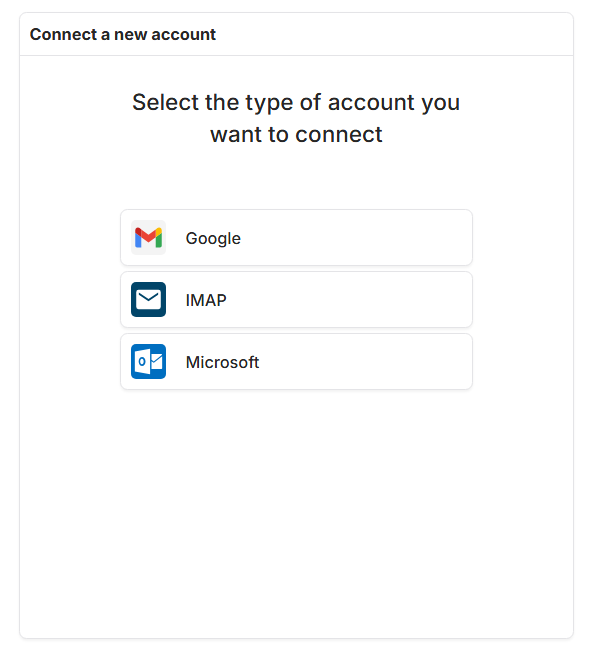
4. Select your email provider
You will be taken to a new page. Select the type of email account you want to connect:
Google — for Gmail accounts
IMAP — for all other email providers
Microsoft — for Outlook or Microsoft 365 accounts
Select your email provider and follow the on-screen steps to complete the connection. Once done, your account will appear in the Sender Accounts section along with its sending limits.
Connect LinkedIn Account
How to connect your LinkedIn account
