Yes, you can run two campaigns simultaneously by adjusting the limit settings for each campaign.
Pause Both Campaigns
First, go to each campaign and pause them temporarily.
Adjust the Limits for Each Campaign
Click the “Settings” icon ⚙ (next to the campaign name) in each campaign to set your own daily limits.
For example:
If your total daily limit for LinkedIn invites is 25,
You can set Campaign 1 to send 12 invites per day,
And Campaign 2 to send 13 invites per day.
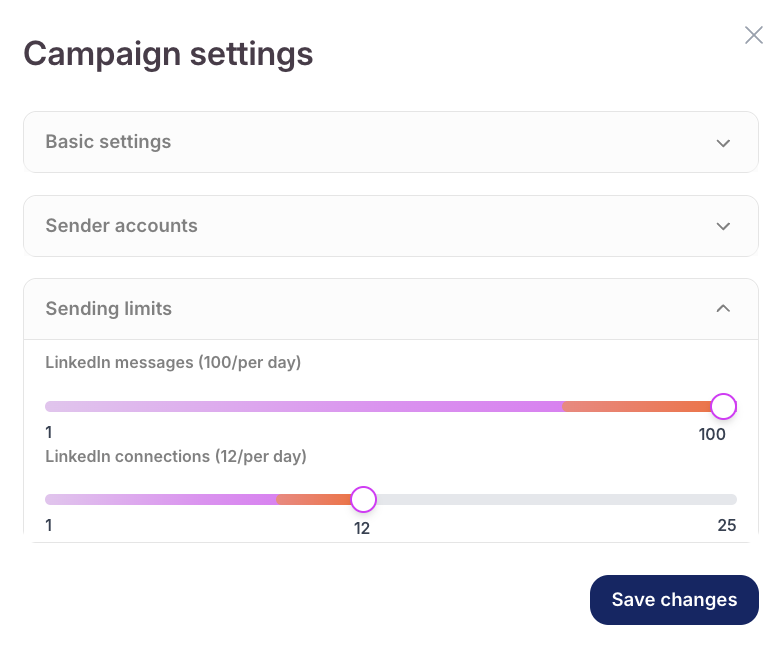
This way, both campaigns can run at the same time without exceeding your overall limit.
Resume the Campaigns
After setting the limits, simply restart both campaigns. They will now run in parallel with the correct daily invite distribution.
This method ensures smooth performance while staying within your total usage limits.
