Ready to start reaching out to your potential customers? Seleqt makes it easy to set up automated, personalized outreach. Here is a quick tour of how to set up and launch your campaign using our pre-built templates.
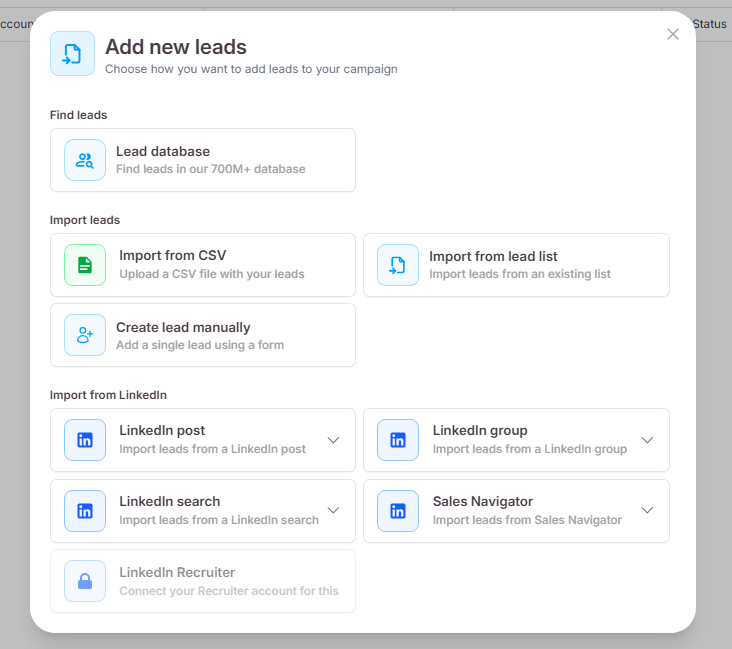
To get started, navigate to the Campaigns tab on the left sidebar and click the + Create new campaign button. You will land on the Leads tab. Click Add new leads to bring in your contacts. You can easily import your leads by uploading a CSV file or by importing them directly from a LinkedIn search.
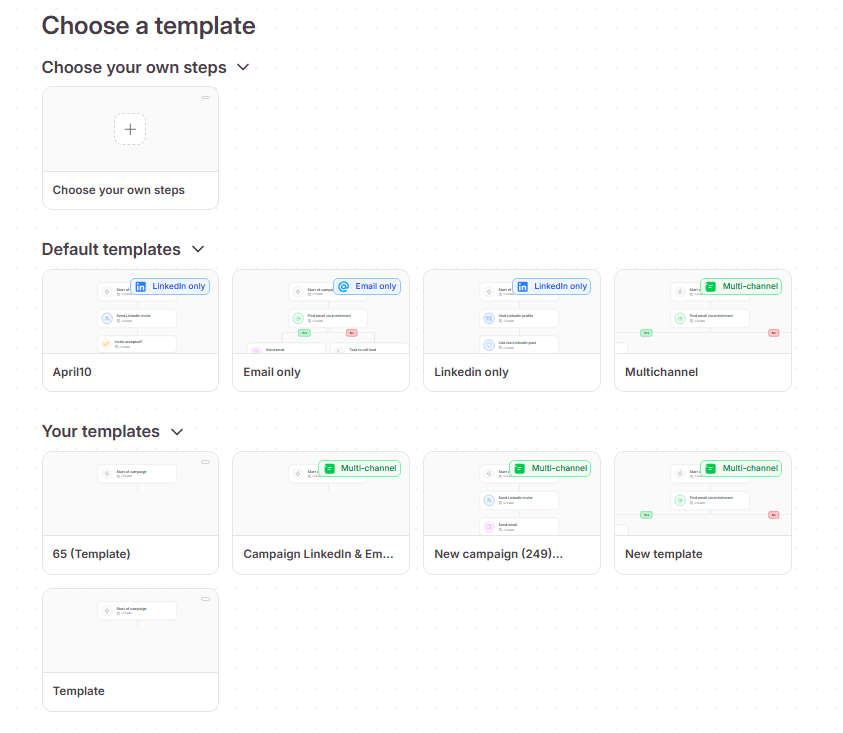
Once your leads are added, you can move past the Lead qualification tab and go straight to the Steps tab. Here, you can choose to build a campaign from scratch or use one of our default templates. For a comprehensive approach, select the Multi-channel template. This will automatically load a complete outreach sequence containing emails, LinkedIn invites, and follow-up messages.
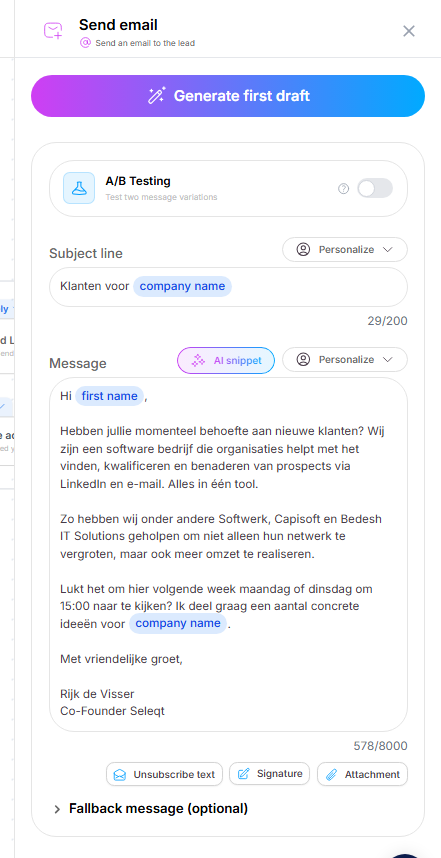
With your template loaded, you will see a visual map of your campaign steps. To customize the content, simply click on any of the communication steps (like "Send email" or "Send LinkedIn message"). This will open a side panel on the right where you can type out your personalized message or use our AI to automatically generate a draft for you.
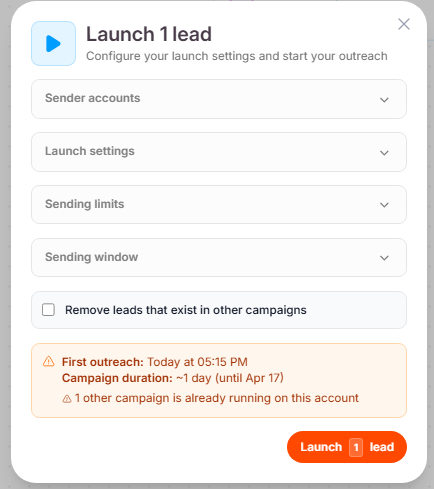
When you are happy with your sequence and messages, click the Launch button. A final configuration window will appear. Here, you will select the specific LinkedIn and email sender accounts you want to use. You can also adjust your campaign's time zone, set your daily sending limits, and define the specific days and hours your messages should be sent out. Once everything looks good, click Launch to set your campaign live!
And that's it! Building a campaign doesn't have to be complicated. Your outreach is now on autopilot. Happy prospecting! 🚀