LinkedIn and email are great, but sometimes you need to reach your prospects where they spend the most time: their phones! By connecting your WhatsApp account to Seleqt, you can easily add WhatsApp messages as a step in your campaign sequences.
Here is how to get your account connected in under two minutes!
Connecting your WhatsApp account to Seleqt is just as easy as linking it to WhatsApp Web on your computer.
In your Seleqt dashboard, go to Settings in the bottom left corner.
Select the Sender accounts tab.
Click the orange + Connect new account button in the top right corner.
Select Connect WhatsApp account.
You will see a pop-up window with a QR code and instructions.
Now, grab your smartphone!
Open the WhatsApp app on your phone.
Go to your Settings (or tap the three-dot menu on Android).
Select Linked Devices.
Tap the Link a Device button.
Point your phone's camera at the QR code on your computer screen.
Wait just a few seconds, and you will see your WhatsApp account successfully connected in the Seleqt dashboard!
💡 What about sending limits? By default, Seleqt caps your WhatsApp account at 50 messages per day to keep your account safe. If you need to adjust this, just click on the Campaign settings (the gear icon) next to your connected account to change your daily limits.
Now that you are connected, it is time to use it!
Open any of your active campaigns.
Go to the Steps tab.
Click the + Add new step button.
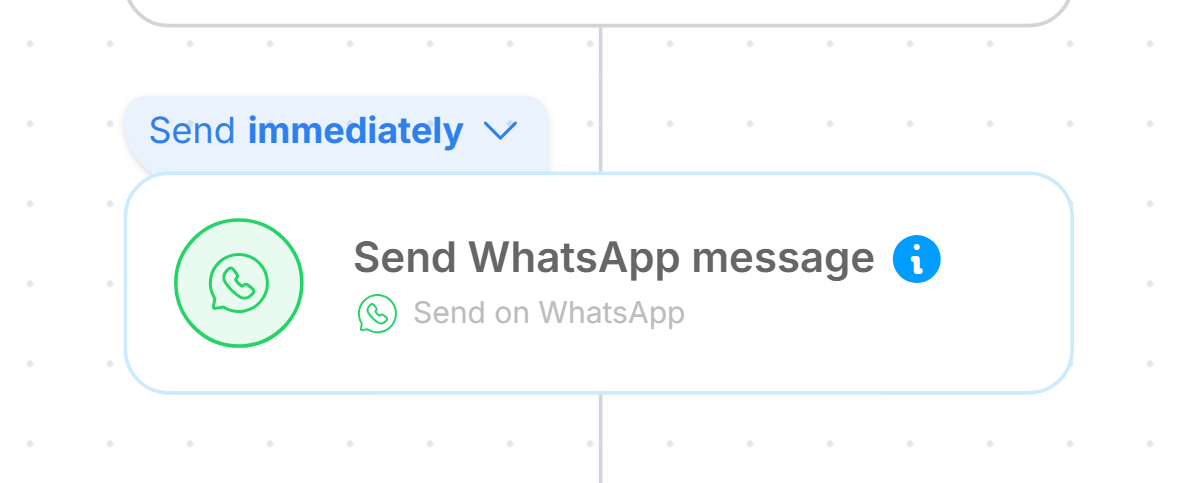
Select Send WhatsApp message.
Type out your message in the editor box and click the orange Launch button to start sending!
🚨 Important Note: WhatsApp messages can only be sent to leads that have a valid phone number listed in their Seleqt profile. If a lead does not have a phone number, the step will simply be skipped for them.
The best part? You do not have to check your phone to see if a prospect replied!
All replies to your automated WhatsApp messages will instantly appear in your Unified Inbox inside Seleqt. Just look for the WhatsApp icon next to the conversation to quickly identify and manage your replies.
You're ready to chat! By adding WhatsApp to your outreach strategy, you give your prospects a convenient, fast way to respond, helping you build connections and close deals even faster.