Here is everything you need to know about managing your campaign steps from start to finish.
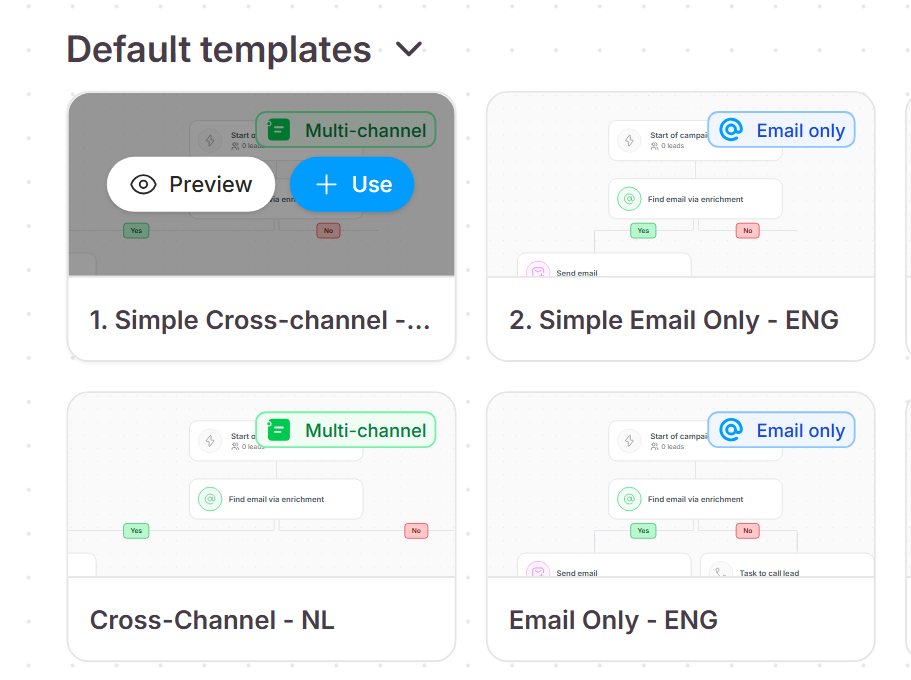
Seleqt offers default templates to give you a head start on your campaigns.
When creating a new campaign, you can start with one of our proven templates.
Hover over any template and click Preview to see the full workflow.
If it looks good, hit Use to load it into your builder.
You have total control over the flow of your outreach.
Arranging your campaign is a completely visual process.
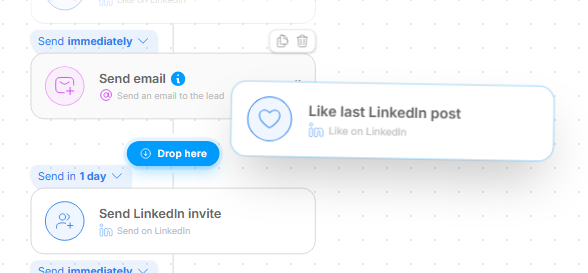
If you want to change the order of your sequence, just click, drag, and drop a step to anywhere you want it.
The workflow automatically updates to keep everything connected.
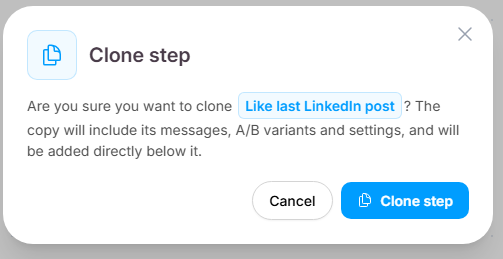
Stop rewriting the same emails from scratch! You have the ability to duplicate your steps.
Hover over on a step and click the Clone icon to instantly create an exact copy right below it.
This completely clones your drafted messages, all of your A/B variants, and your settings.
Now, you just have to make a few quick edits instead of starting from scratch.
Fine-tuning the rest of your sequence is just as fast.
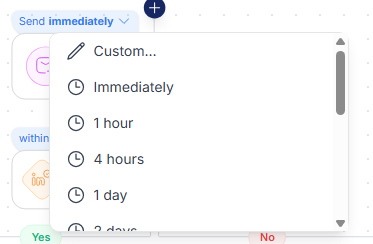
Change Timing: You can easily click to change the scheduled delay between steps.
Delete Steps: Quickly delete any steps you do not need.
Add Steps: If you want to expand your campaign, simply click Add new step to bring more actions into your workflow.