1. Understand the new multi-sender campaign feature
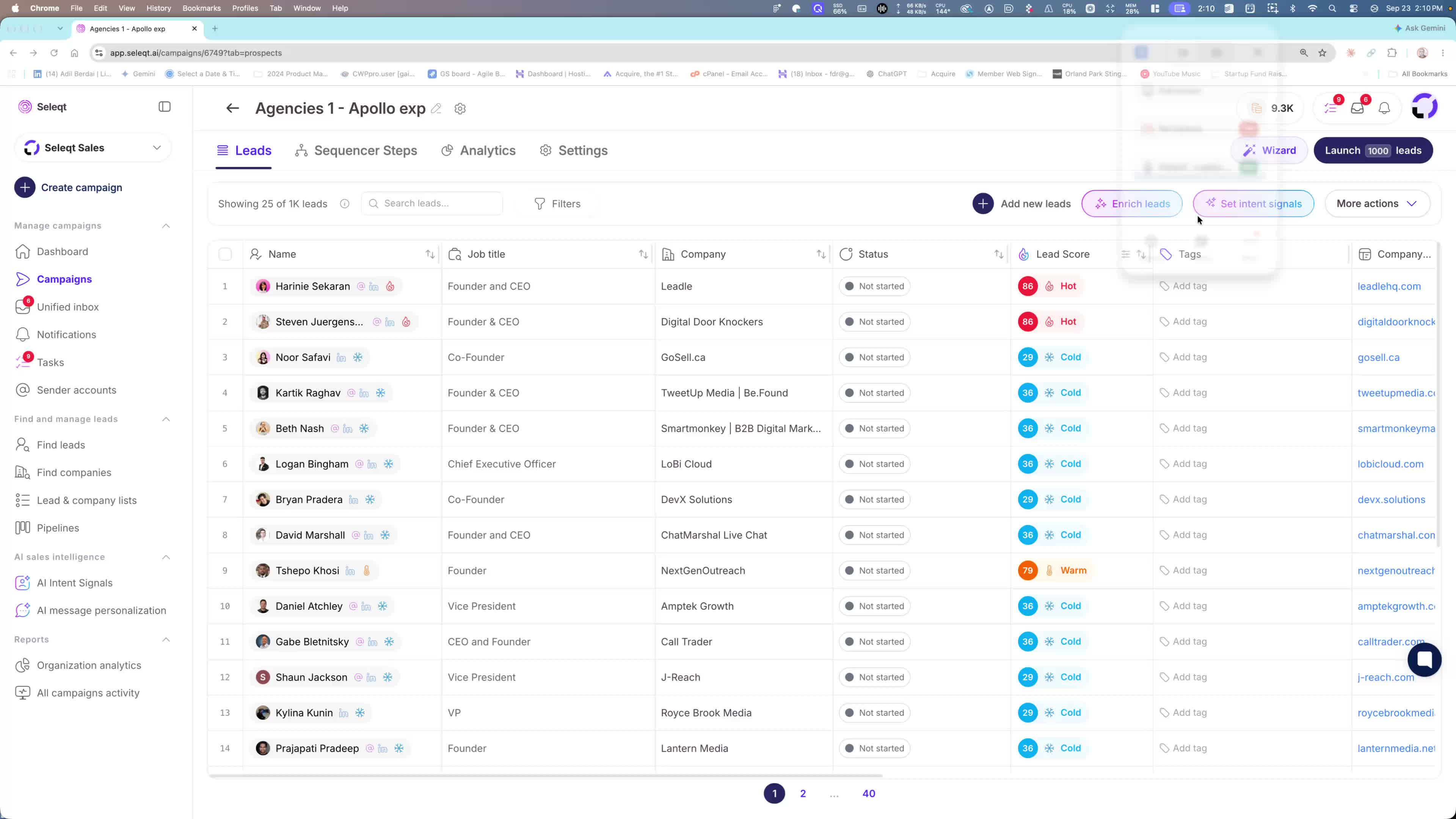
The key update is that you can now use multiple sender mailboxes in a single campaign.
This is designed to increase outreach volume and help you scale pipeline faster.
If you have several email accounts added to your workspace, you can choose more than one to send from in the same campaign.
2. Add and select the sender mailboxes you want to use
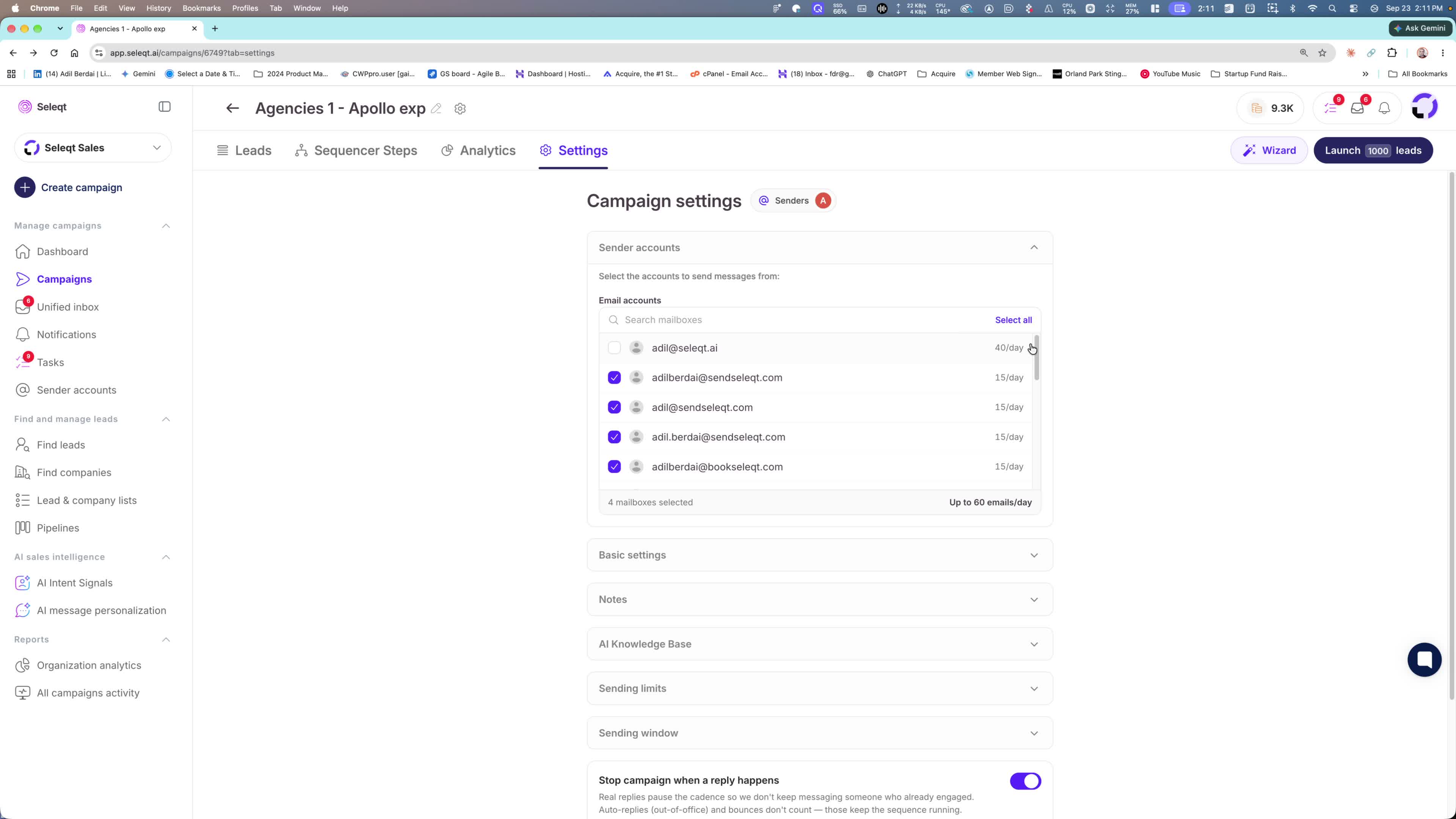
Add the email accounts you want to use as sender mailboxes.
In the campaign setup, select as many sender accounts as needed.
Example shown in the Loom:
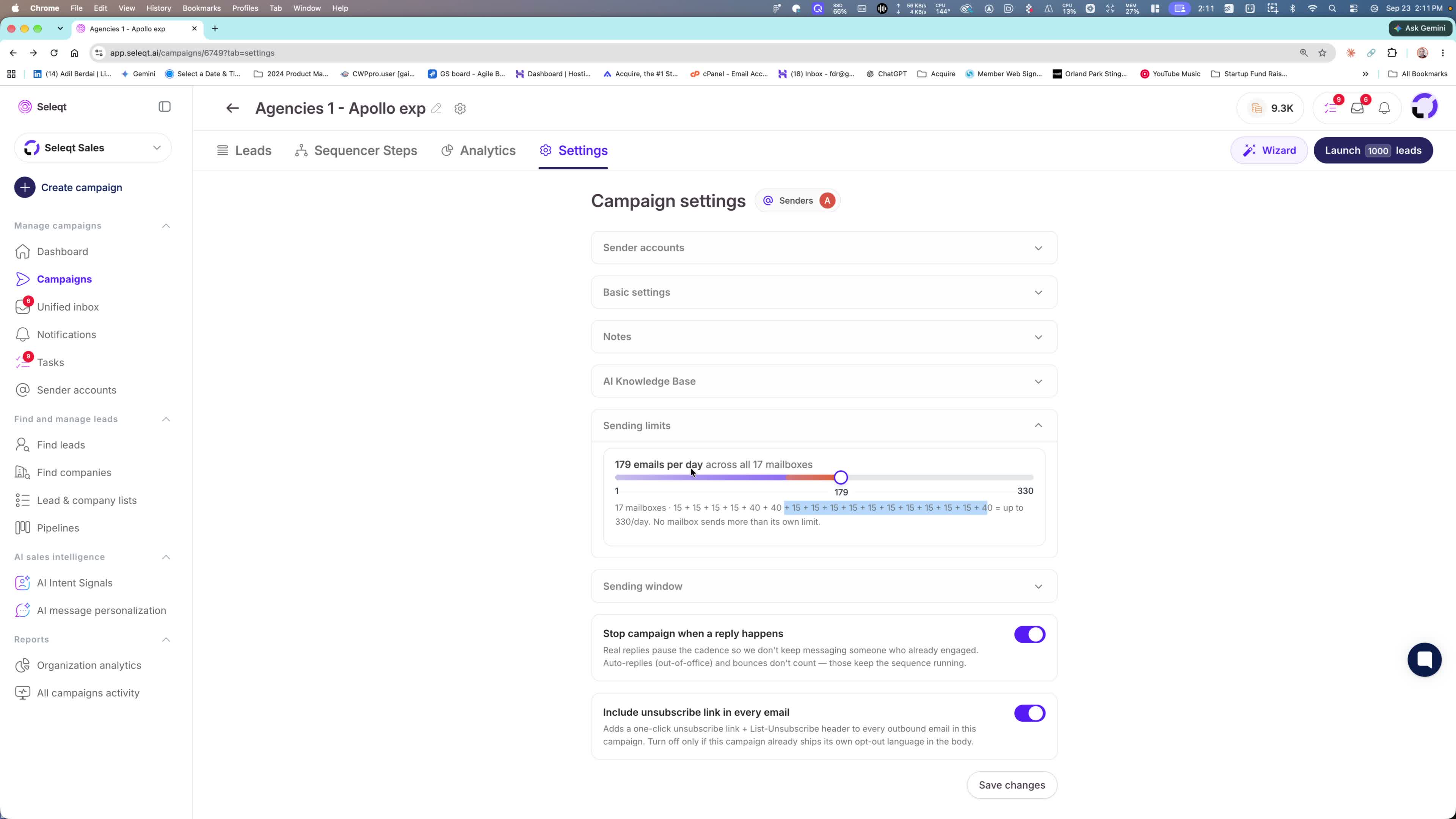
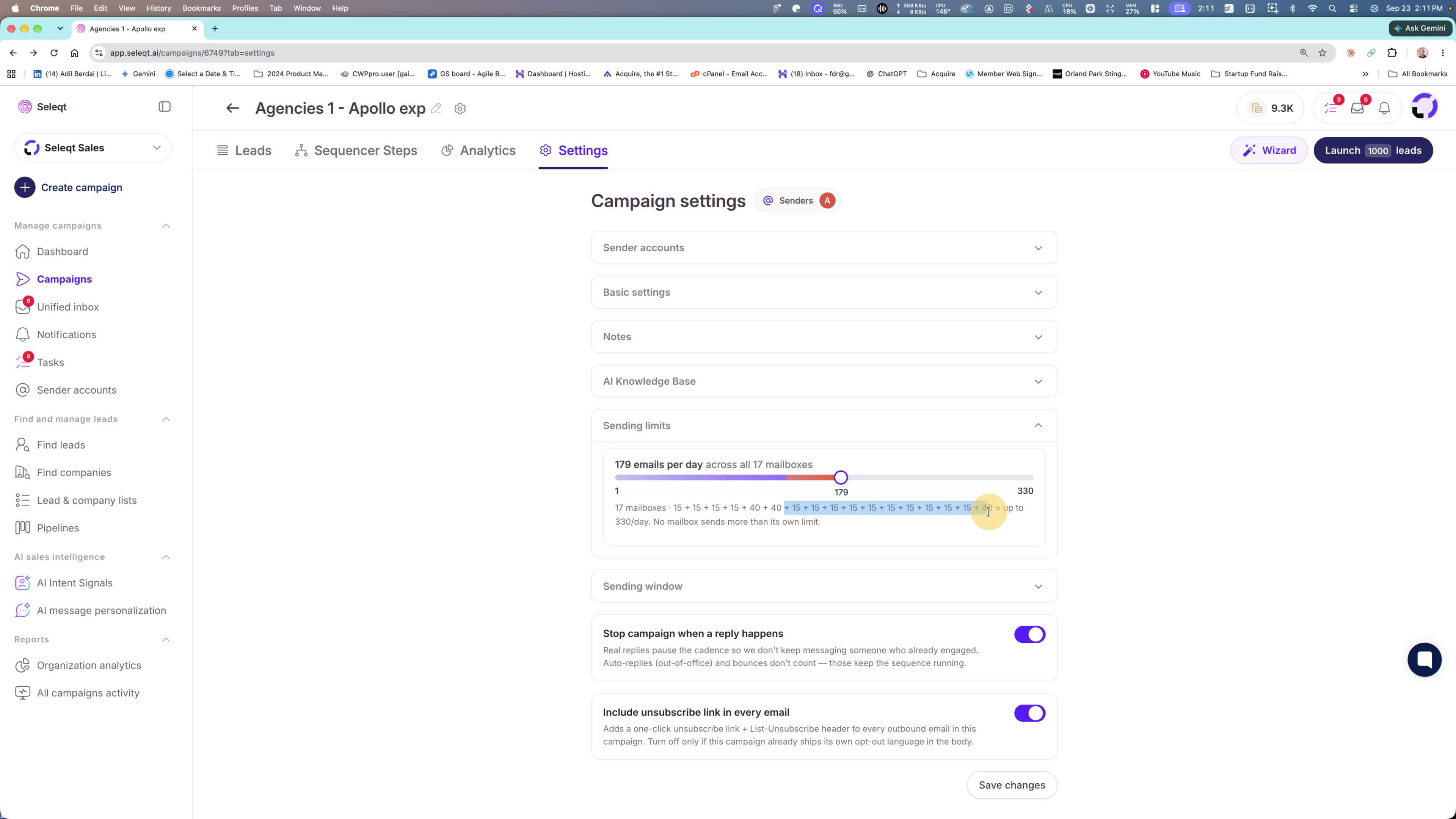
17 mailboxes selected
Sending capacity shown as 330 emails/day
Each mailbox is currently warmed up at 15 emails/day
3. Calculate your total sending capacity
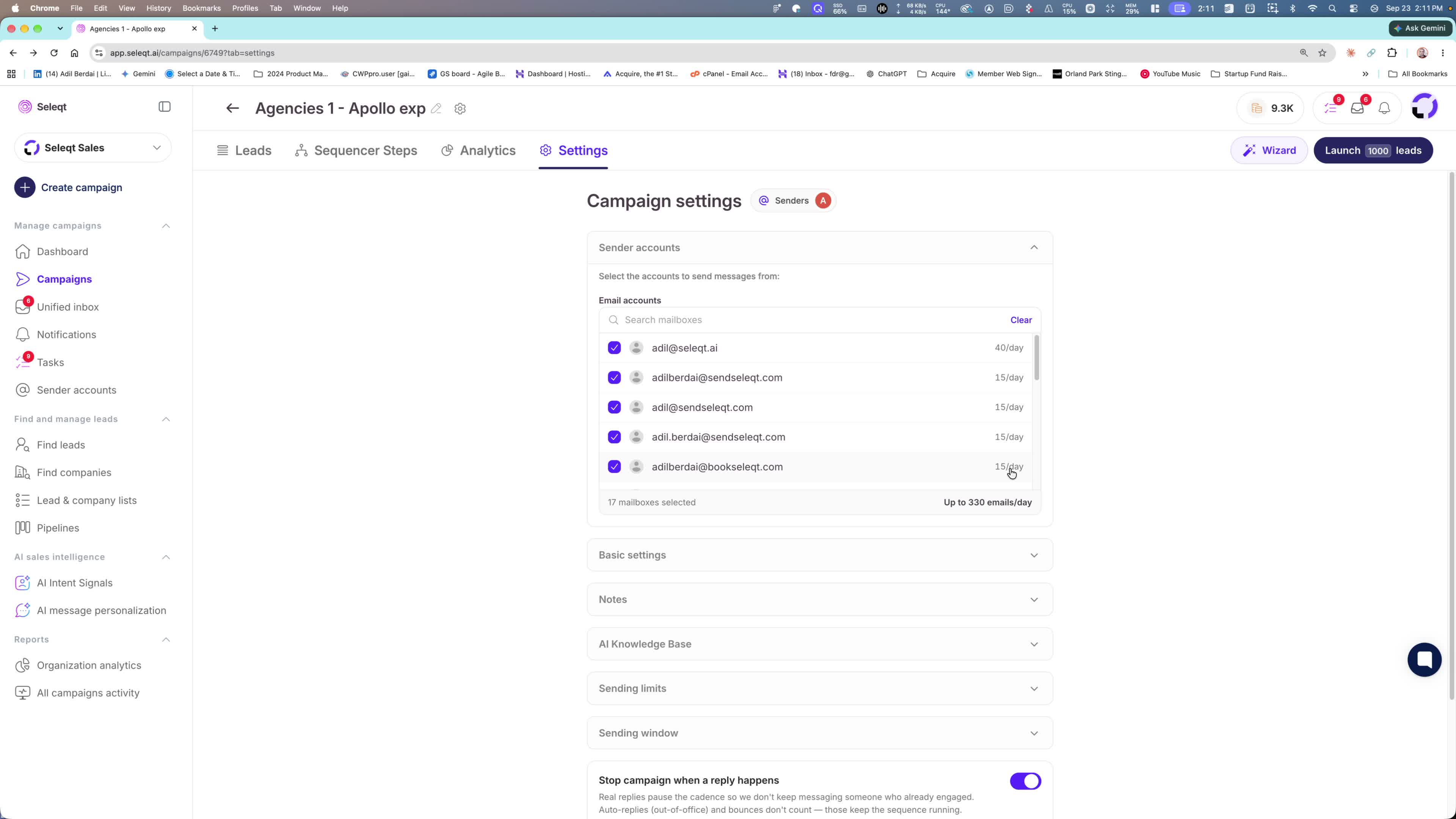
The platform shows the math for your total sending volume.
Example:
If you had 40 mailboxes, you could send up to 800 emails/day per campaign.
This helps you understand how much volume you can push without guessing.
4. Adjust campaign limits based on your outreach strategy
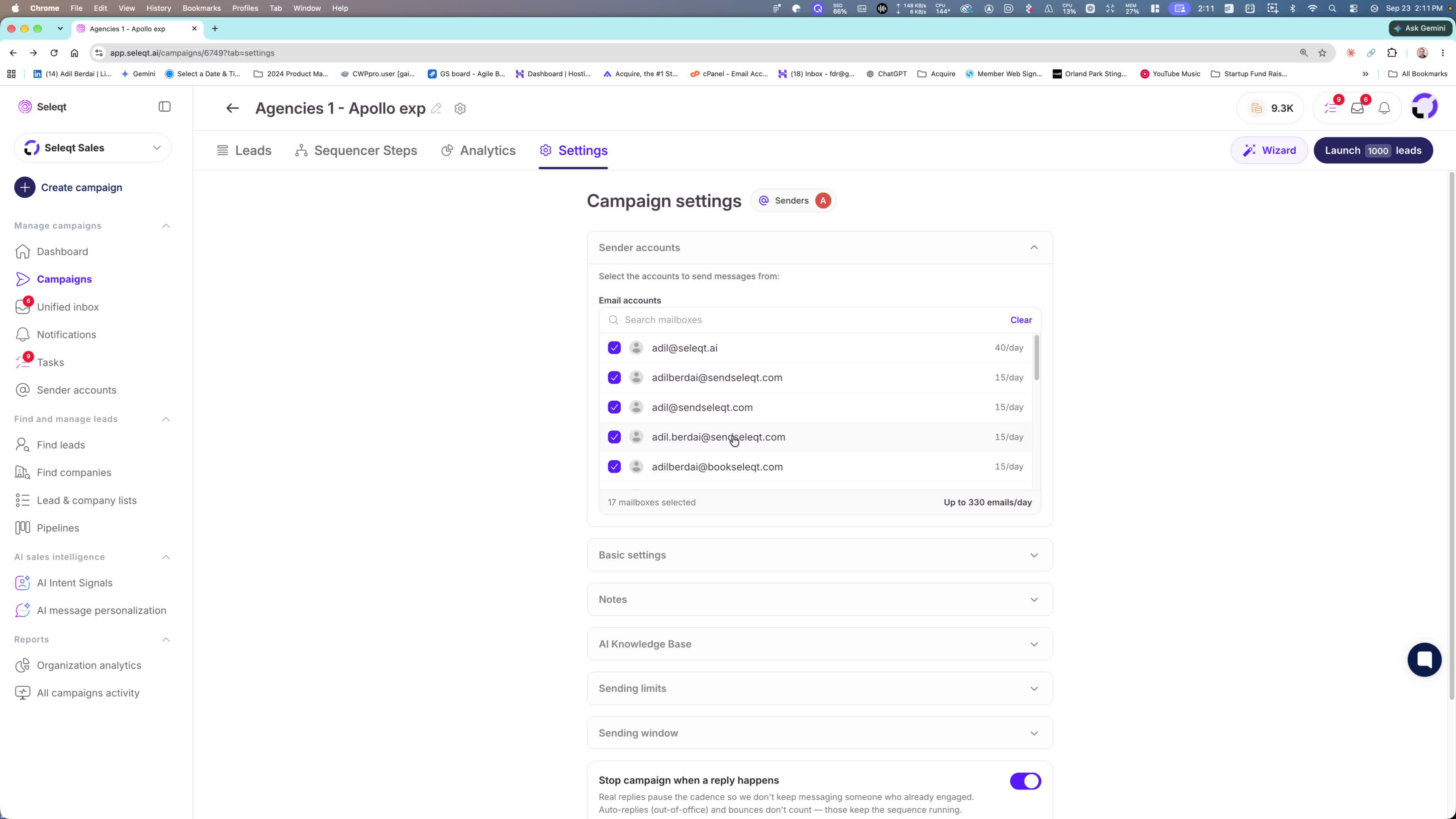
You can still change the sending limits for the campaign itself.
If you want to be more conservative, you can lower the campaign limit.
This lets you:
Reserve some sending capacity for other campaigns
Avoid using all available volume in one place
Better manage your overall outreach operations
5. Use external domains and mailboxes if needed
You are not limited to buying domains or emails inside Select.
You can:
Register domains outside of Select
Buy email accounts outside of Select
Add them as sender accounts in the platform
This gives you flexibility to scale with your own infrastructure.
6. Benefit from faster prospecting and higher pipeline output
The main outcome of this release is faster prospecting at a much larger scale.
By using multiple senders per campaign, you can:
Increase daily sending volume
Speed up outreach execution
Maximize pipeline generation
This is positioned as a major step up in outreach performance.
