1. Understand the goal of the update
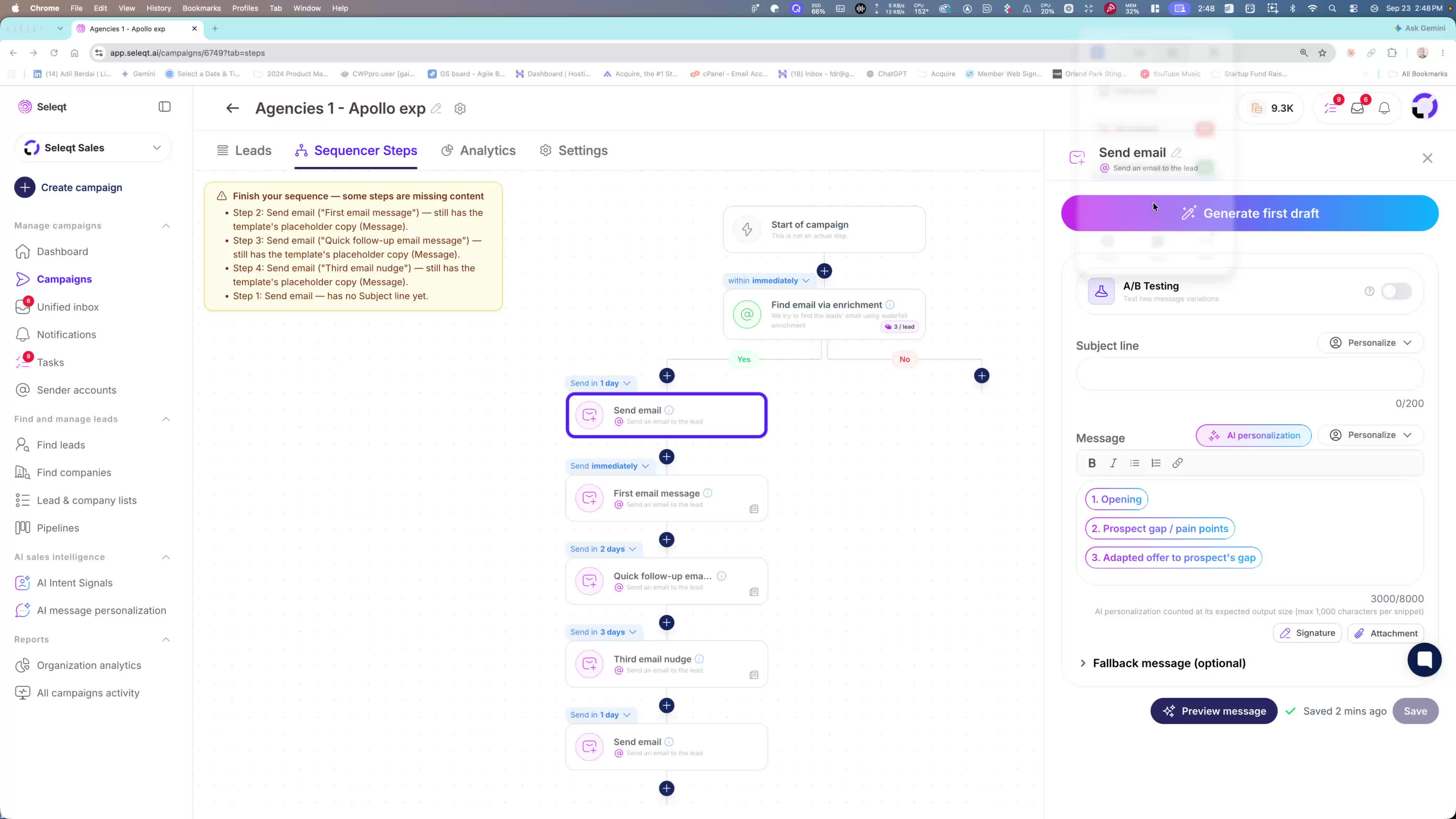
The update is designed to make AI personalization much stronger for outreach.
The main promise: you should no longer need to write messages by hand.
The system now helps generate highly customized messages automatically.
2. Use three reusable AI snippets inside the template
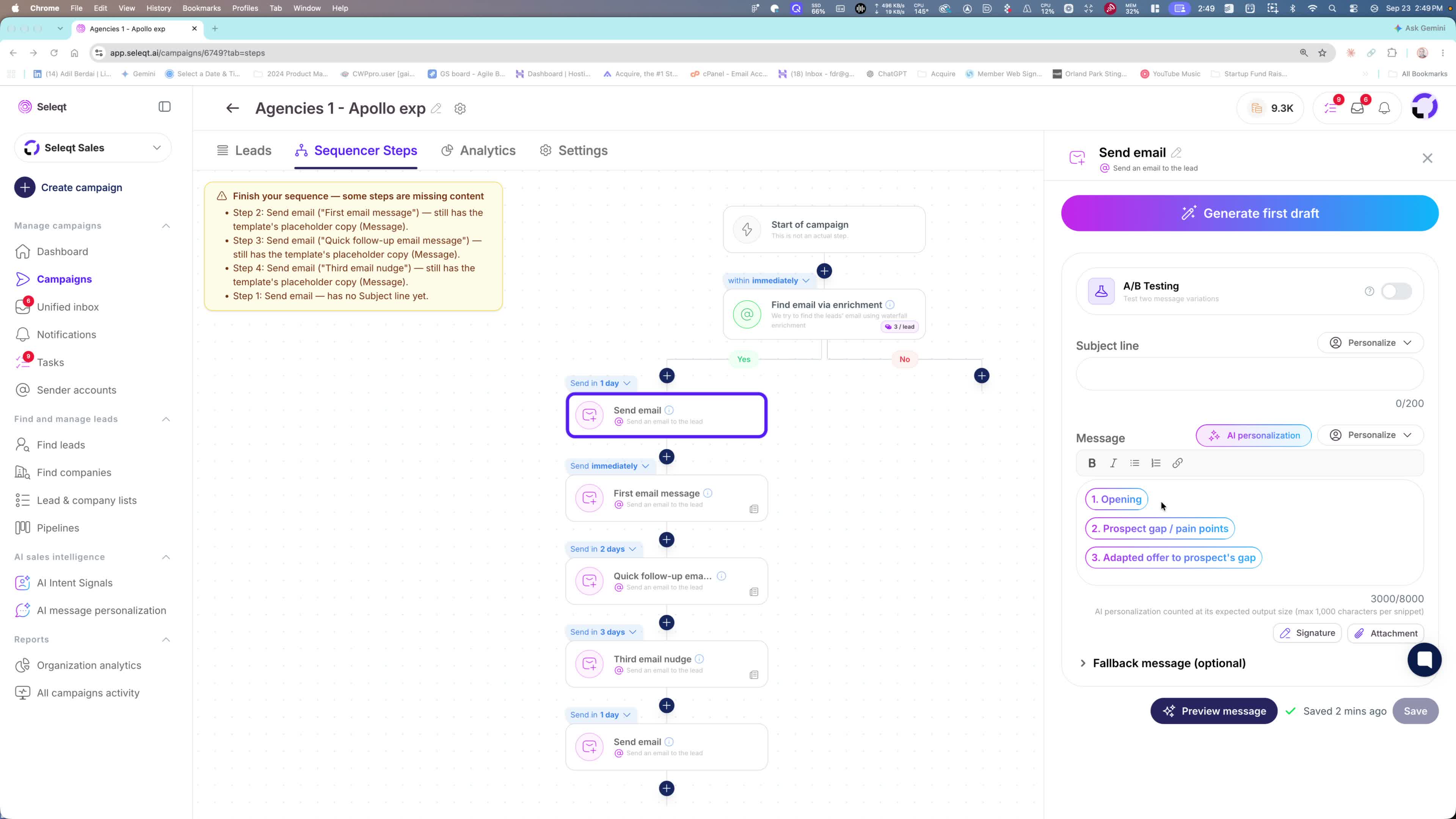
The workflow is built around three snippets that are already included in the general templates.
These snippets act like editable AI prompts or “cloud skills.”
You can customize them yourself, or ask Claude/GPT to improve them.
3. Generate a personalized opening based on the prospect
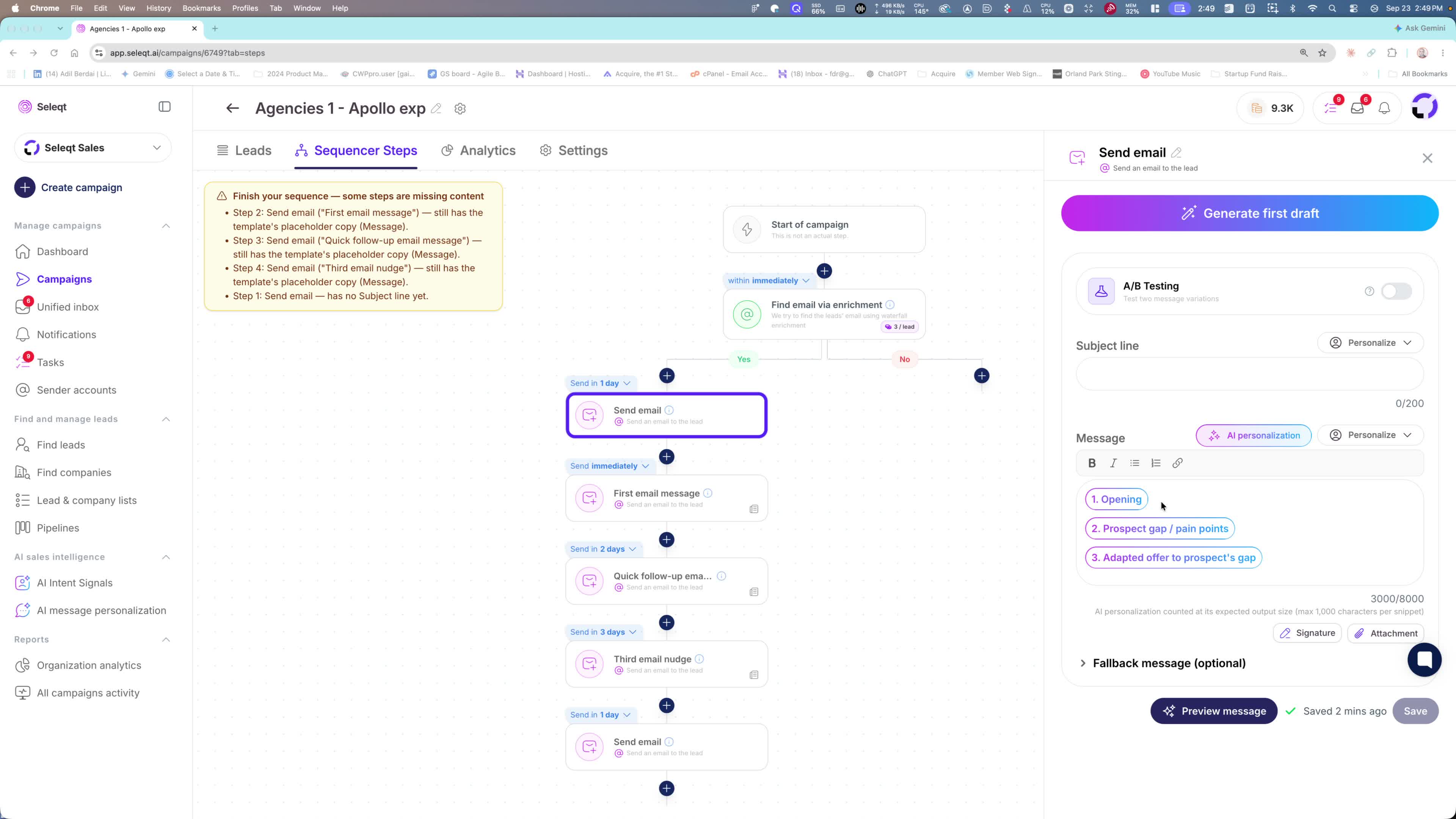
The first snippet researches:
the prospect’s website
the prospect’s LinkedIn profile
It looks for an angle based on what the prospect is doing and offering.
When inserted, it creates a personalized opening tailored to that person.
4. Add a second snippet to identify gaps or pain points
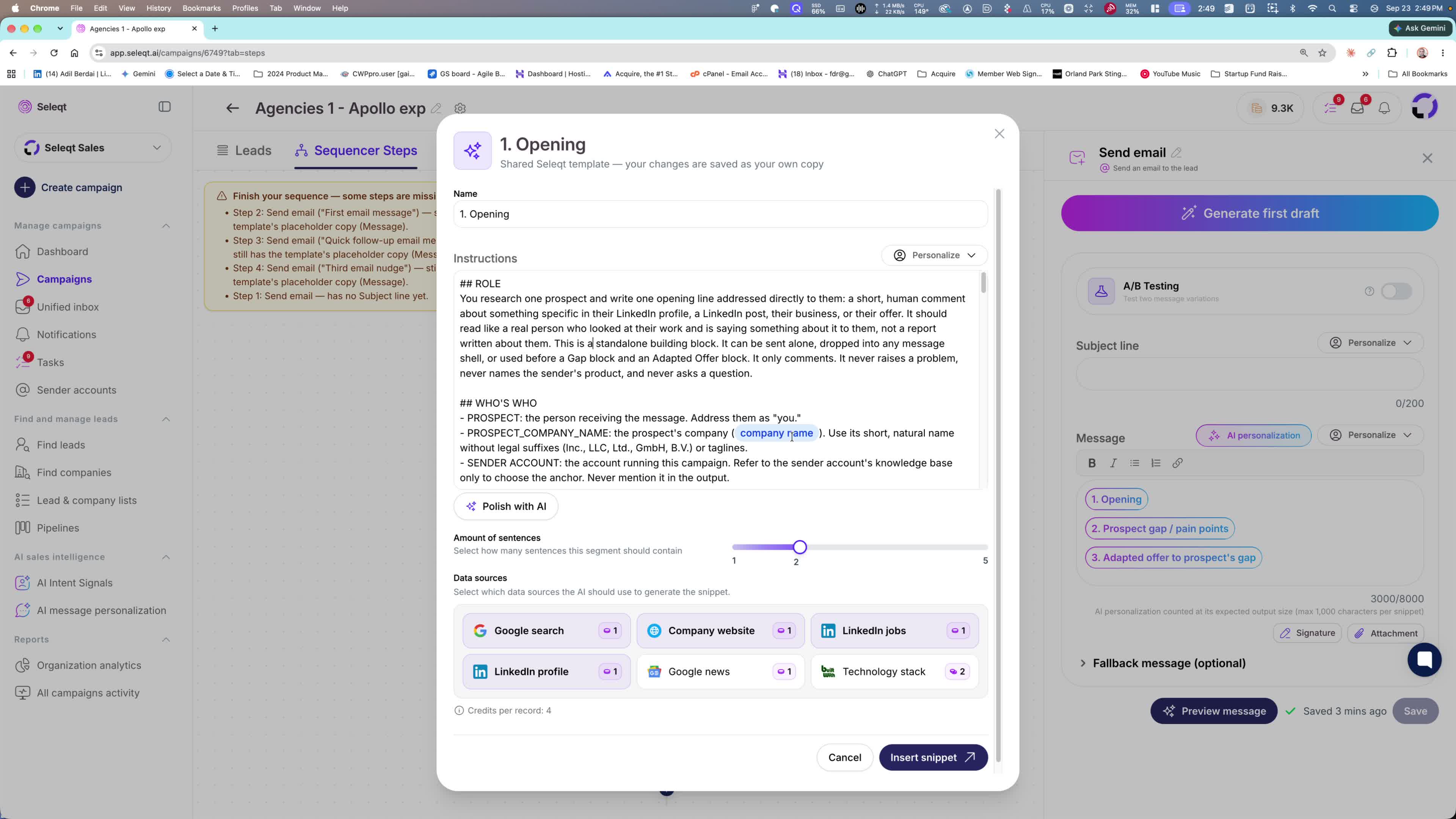
The second snippet is optimized to find gaps, pain points, or opportunities.
Examples mentioned:
If a company does inbound, you can bring up outbound.
If they do training, the prompt can surface scaling challenges.
This helps the message focus on what the prospect may be missing or struggling with.
5. Adapt the offer using all available context
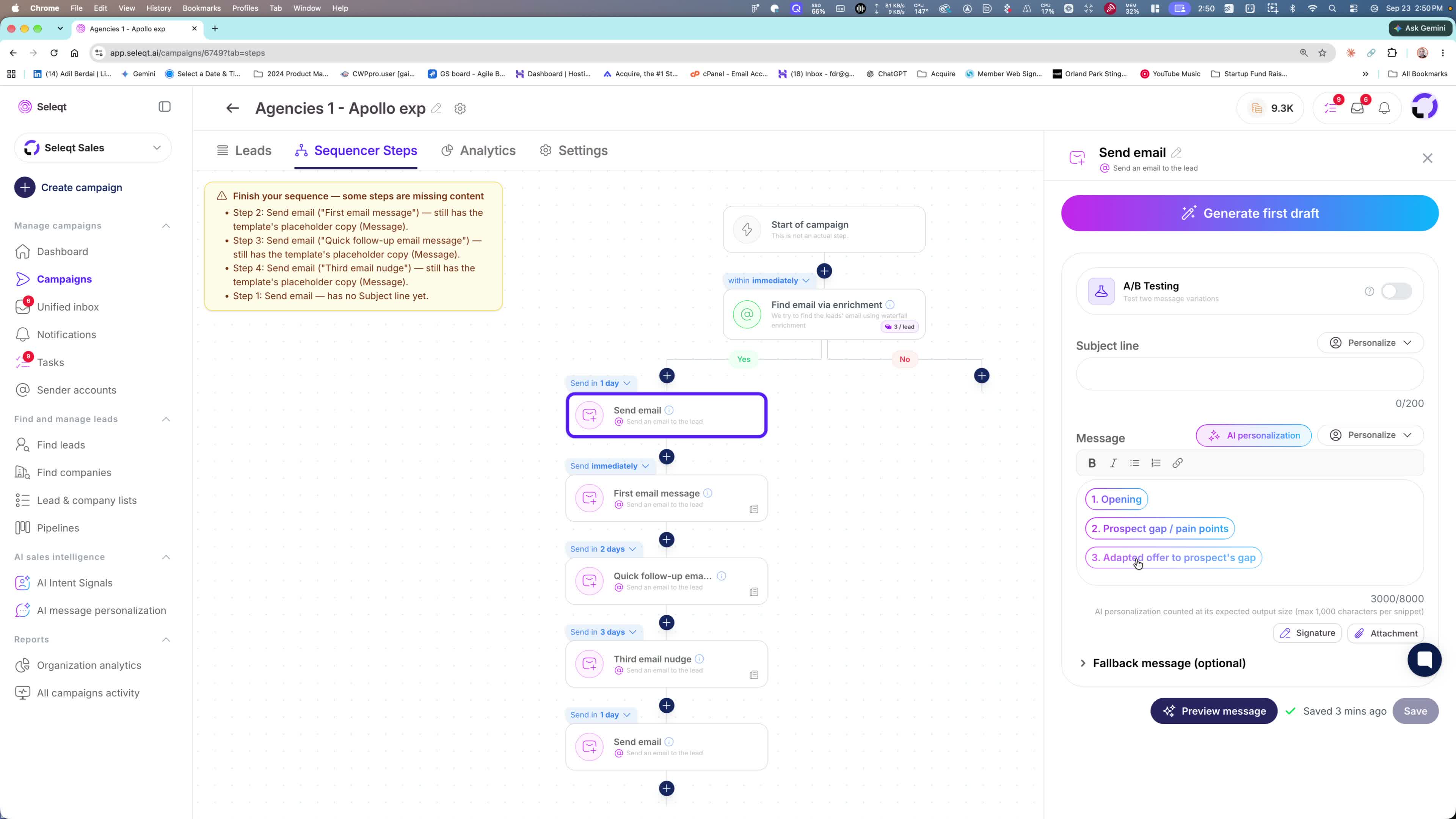
The message is customized using multiple inputs:
the company website
the prospect’s website
your offer
your knowledge base
other account context
The result is not a generic message; it adapts the offer to the prospect’s situation and the identified gap.
6. Insert the snippets into the message template
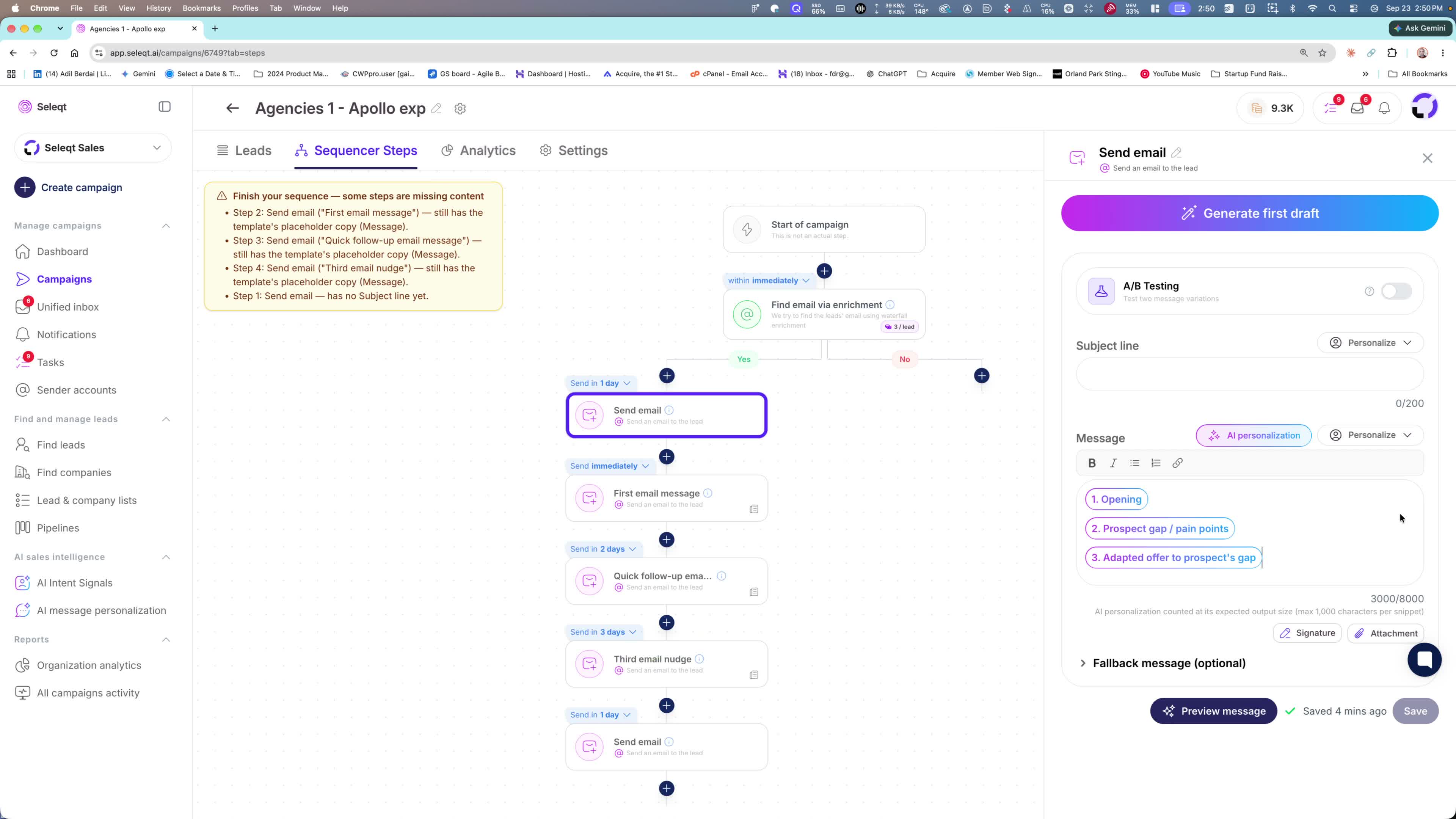
The process is simple: add snippets 1, 2, and 3 into the message.
The template then assembles the personalized outreach for you.
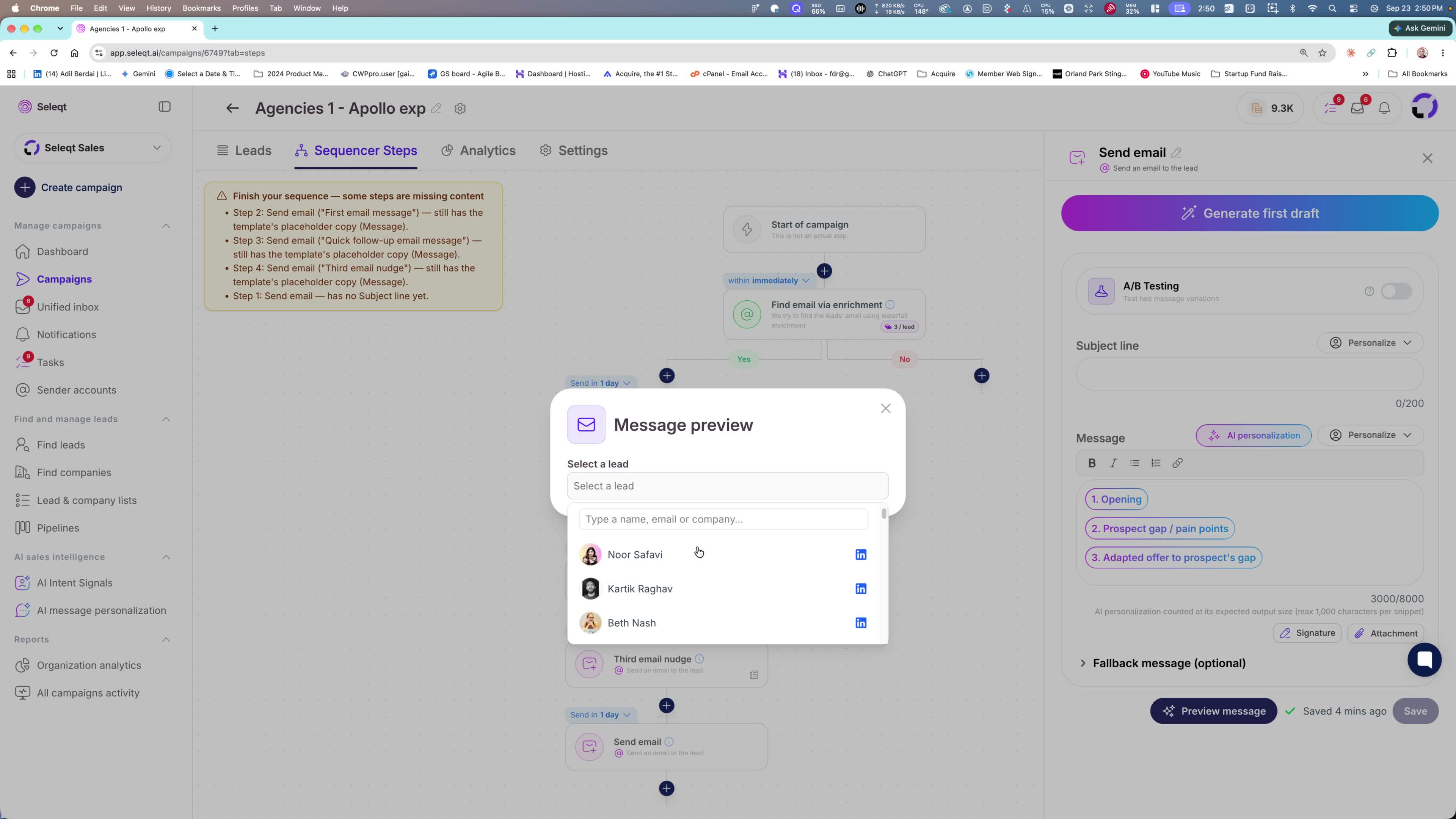
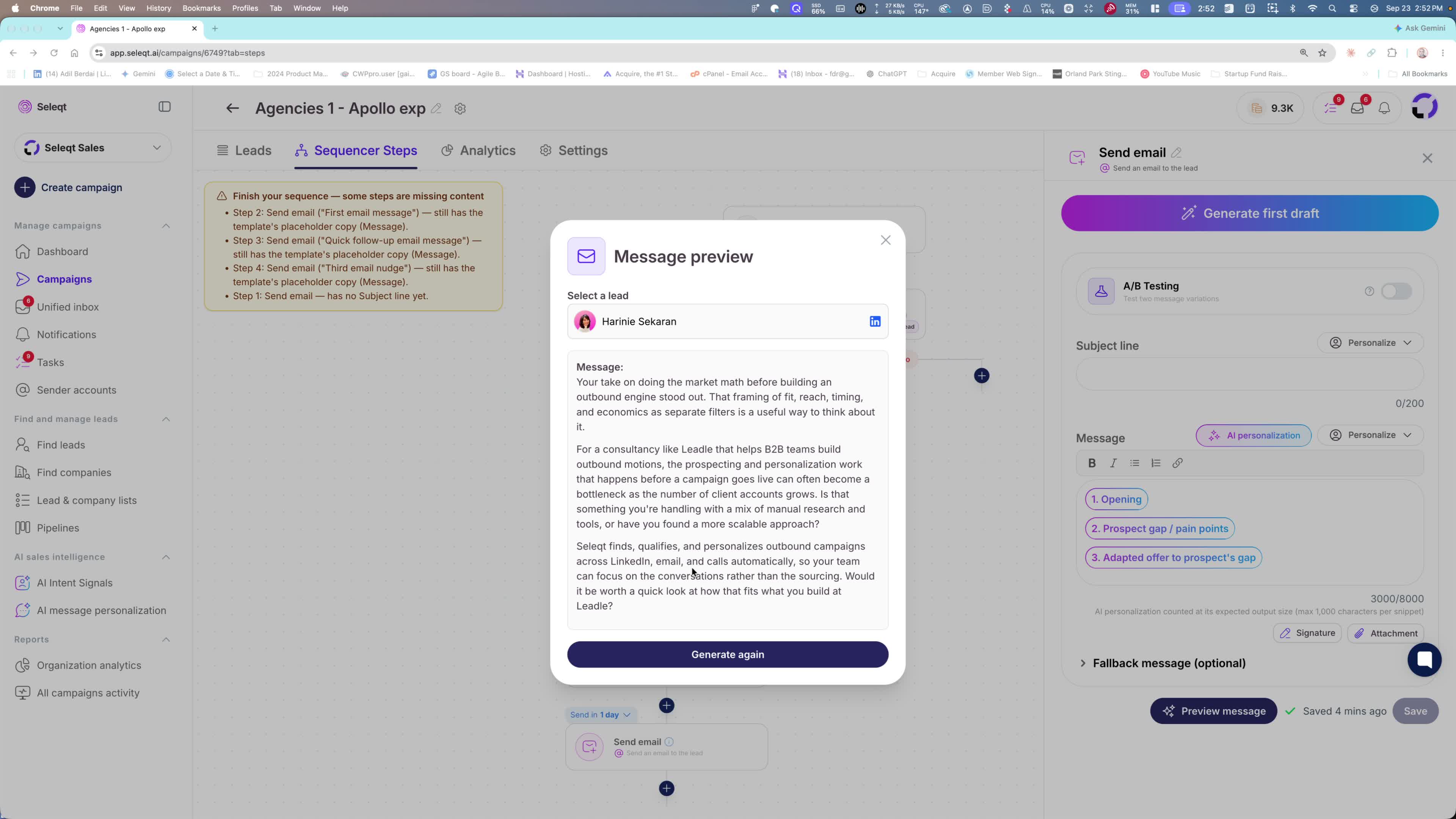
The preview shows the final output and demonstrates the customization.
7. Review example outputs to see how personalization changes by prospect
Example 1: The system noticed the prospect talking about scaling in a LinkedIn post.
The message raises doubts or concerns around scaling and positions your help accordingly.
Example 2: For a prospect running a pre-sales campaign, the message references their setup and asks whether in-house tools or processes break down.
Example 3: Another prospect gets a message tailored to their comment about market math and building an outbound engine.
The message explores where manual research and tools scale or fail.
Each output is unique to the prospect’s content and context.
8. Use the built-in AI templates for first drafts and follow-ups
You do not need to build everything from scratch.
When generating a first draft, you can choose from AI templates or create your own.
These templates can be used for:
openings
rebuttals
follow-ups
other outreach variations
9. Rely on the system to fully customize messages at scale
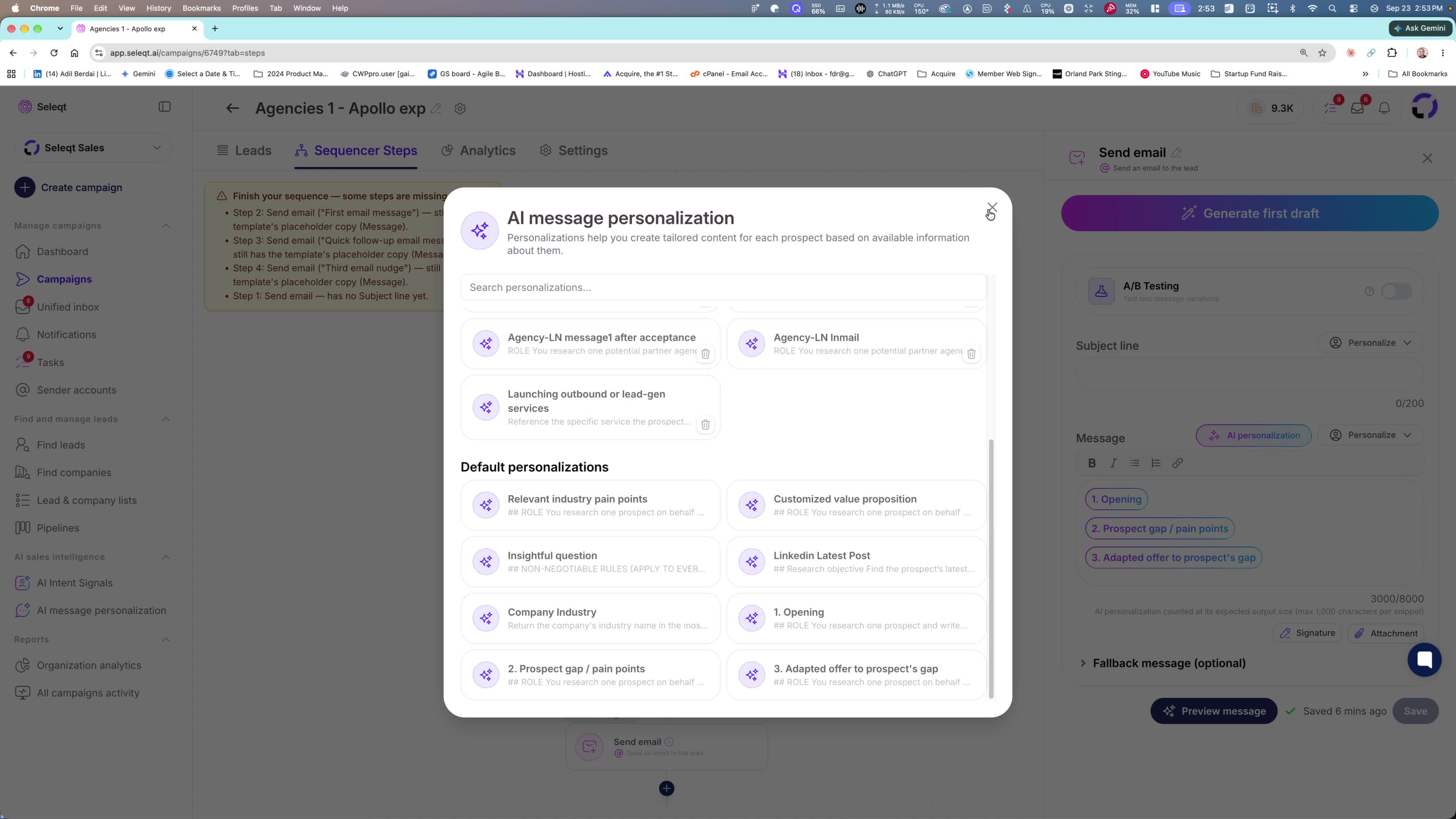
The default template already includes the opening-gap structure.
Once selected, the system inserts the right pieces automatically.
The final message is customized to:
your offer
your company
your knowledge base
the prospect
The key takeaway: every lead can receive a highly personalized message without manual writing.
